How to Disable Wallet Telemetry for Better Crypto Privacy
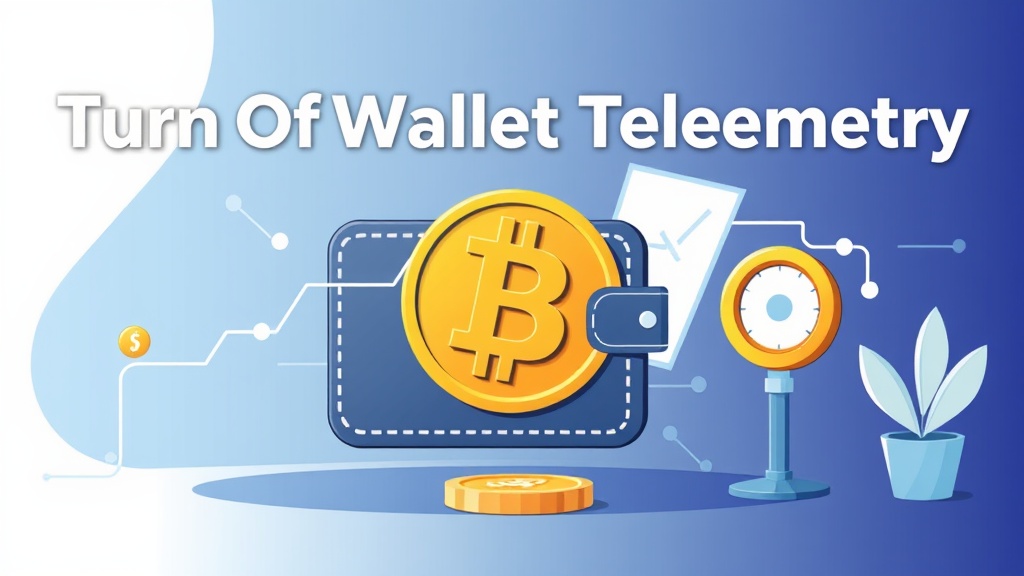
Understanding Wallet Telemetry and Why It Matters
Wallet telemetry refers to the data collection practices embedded in many cryptocurrency wallets. These practices involve sending usage statistics, transaction metadata, and sometimes even wallet balances to third-party servers. While some telemetry is used for improving user experience or debugging, it can pose significant privacy risks, especially in the decentralized and pseudonymous world of cryptocurrency.
For privacy-conscious users, telemetry can reveal sensitive information such as wallet addresses, transaction patterns, and even IP addresses linked to specific activities. This data could be exploited by malicious actors or inadvertently shared with governments, advertisers, or data brokers. Disabling wallet telemetry is a crucial step toward maintaining financial privacy and sovereignty in the digital age.
Common Cryptocurrency Wallets That Collect Telemetry
Not all wallets engage in telemetry, but several popular ones do by default. Here are some well-known wallets known to collect user data:
- Exodus Wallet: Sends transaction data and wallet analytics to its servers by default.
- Electrum Wallet: While open-source, some forks or configurations may enable telemetry.
- Coinbase Wallet: As a centralized service, it collects extensive user data for compliance and analytics.
- Trust Wallet (Binance): Collects usage data and transaction logs, especially when linked to a Binance account.
- MetaMask: While primarily focused on Ethereum, it may send analytics data unless configured otherwise.
It’s important to note that open-source wallets like Electrum or Wasabi Wallet can be audited, allowing users to verify telemetry settings. Always review the wallet’s privacy policy and source code if available.
Step-by-Step Guide to Disabling Wallet Telemetry
Disabling telemetry varies by wallet, but the general process involves adjusting settings, using privacy-focused alternatives, or running self-hosted nodes. Below are practical steps for some of the most popular wallets:
For Exodus Wallet
- Open Exodus and go to Settings (gear icon).
- Navigate to General and toggle off Send Anonymous Usage Data.
- Under Advanced, disable Enable Analytics if available.
- Restart the wallet to ensure changes take effect.
For MetaMask
- Click on the profile icon and go to Settings.
- Select Security & Privacy.
- Toggle off Send Analytics Data.
- Consider using a hardware wallet or a self-hosted node for additional privacy.
For Trust Wallet
- Open the app and go to Settings.
- Look for Privacy Policy or Analytics options.
- Disable any data-sharing options and avoid linking to centralized exchanges.
For Electrum Wallet
- Electrum is open-source, so telemetry is minimal by default.
- However, avoid using third-party servers that may log requests.
- Use a Tor connection or your own Bitcoin node for enhanced privacy.
Alternative Privacy-Focused Wallets to Consider
If your current wallet doesn’t offer robust privacy controls, switching to a privacy-first alternative may be the best solution. Here are some top choices:
- Wasabi Wallet: A Bitcoin wallet designed for privacy, using CoinJoin to obfuscate transaction trails. It routes all traffic through Tor by default.
- Samourai Wallet: Another Bitcoin wallet focused on privacy, offering features like Stealth Addresses and PayJoin transactions.
- Monero GUI Wallet: Monero is a privacy coin by design, and its official wallet ensures transactions are untraceable and unlinkable.
- Electrum Personal Server (EPS): Allows you to connect Electrum to your own Bitcoin node, eliminating reliance on third-party servers.
- BlueWallet (with Lightning Network): Supports Lightning transactions, which can enhance privacy by reducing on-chain footprint.
These wallets prioritize user control, minimal data collection, and integration with privacy tools like Tor or VPNs. Always research and verify the wallet’s reputation before transferring funds.
Additional Privacy Tips for Cryptocurrency Users
Disabling wallet telemetry is just one part of a broader privacy strategy. Here are additional measures to protect your financial data:
- Use a Hardware Wallet: Devices like Ledger or Trezor keep your private keys offline, reducing exposure to malware or telemetry.
- Enable Tor or VPN: Route your wallet traffic through Tor or a trusted VPN to mask your IP address and location.
- Avoid Centralized Exchanges: Use decentralized exchanges (DEXs) like Bisq or Uniswap to avoid KYC requirements and data collection.
- Use CoinJoin Services: Tools like Wasabi Wallet’s CoinJoin or Samourai’s Whirlpool mix your coins with others, breaking transaction links.
- Regularly Update Software: Ensure your wallet and operating system are up to date to patch security vulnerabilities.
- Backup Securely: Store wallet backups in encrypted formats and avoid cloud storage to prevent unauthorized access.
By combining these practices with telemetry disabling, you can significantly enhance your cryptocurrency privacy and reduce the risk of surveillance or targeted attacks.
Conclusion: Take Control of Your Financial Privacy
In a world where digital surveillance is increasingly common, taking control of your cryptocurrency privacy is not just a preference—it’s a necessity. Wallet telemetry may seem harmless, but it can expose your financial activities to unintended parties. By disabling telemetry, choosing privacy-focused wallets, and adopting additional security measures, you can reclaim your financial sovereignty.
Start by auditing your current wallet’s settings and switching to alternatives if needed. Combine technical solutions like Tor and CoinJoin with good operational security habits. Remember, privacy is a continuous process, not a one-time fix. Stay informed, stay vigilant, and prioritize your financial freedom in the decentralized ecosystem.
Your financial privacy is worth protecting—take the first step today.
Related articles

How to Safely Transfer Crypto from Mixer to Bank Account

Exit Strategy Mastery: How to Cash Out Securely and Privately
How to Publish a Rotating Donation Address for Better Crypto Privacy

How to Accept Anonymous Donations Safely and Securely
Secure Your Crypto: How to Use a One-Time Invoice Address for Privacy
Looking for a privacy tool?
Browse every mixer, exchanger and Telegram bot in one place.