Clear Clipboard After Copying an Address: A Privacy Must for Crypto Users
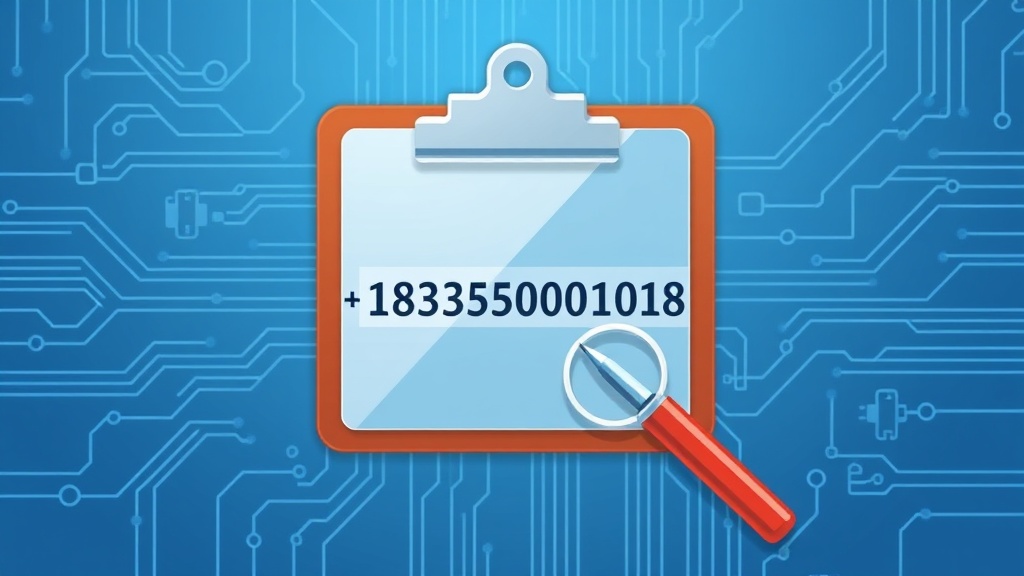
Why Clearing Your Clipboard Matters in Crypto Transactions
In the world of cryptocurrency, privacy is paramount. Every action, from sending funds to sharing wallet addresses, can leave a digital footprint. One often overlooked risk is the clipboard—a temporary storage for copied data. If you copy a cryptocurrency address and fail to clear it afterward, sensitive information may linger in your system’s memory, potentially exposing it to malicious actors or unauthorized access.
This is especially critical for privacy-focused users who rely on tools like Monero or Zcash, where anonymity is a core feature. A copied address left in the clipboard could be intercepted by malware, clipboard sniffers, or even careless pasting into unintended applications. Understanding how to clear your clipboard after copying an address is a simple yet powerful step to enhance your crypto security.
How Clipboard Vulnerabilities Threaten Crypto Privacy
Modern operating systems store copied data in the clipboard until it’s overwritten or the session ends. For crypto users, this means a copied wallet address could remain accessible to anyone with access to your device—whether through malicious software, shared computers, or even physical theft. Advanced attackers can exploit this by using clipboard-harvesting malware to steal addresses before they’re pasted, redirecting funds to malicious wallets.
Additionally, some apps and browsers auto-save clipboard history, creating a persistent risk. For example, a copied address might appear in search bar suggestions or be retrievable via forensic tools. This underscores the importance of actively clearing the clipboard after each transaction to minimize exposure.
Step-by-Step Guide to Clearing Your Clipboard Securely
Clearing your clipboard is a straightforward process, but the method varies by device and operating system. Below are platform-specific instructions to ensure your copied crypto addresses don’t linger:
- Windows: Use the command
clipin Command Prompt to clear the clipboard. Open CMD, typeclip, and press Enter. - macOS: Open Terminal and run
pbcopyfollowed bypbpasteto overwrite the clipboard with empty data. - Linux: Use
xclip -sel c -i /dev/nullin the terminal to clear the clipboard. - Mobile Devices: On iOS, restart your device to clear the clipboard. For Android, use apps like Clipboard Manager to delete stored data.
For added security, consider using privacy-focused tools like Clipboard Cleaner extensions or apps that automatically wipe clipboard data after a set time.
Best Practices for Secure Crypto Transactions
Beyond clearing your clipboard, adopt these habits to safeguard your privacy:
- Use Dedicated Devices: Perform crypto transactions on a device solely for this purpose to reduce exposure.
- Enable Two-Factor Authentication (2FA): Protect your wallet with 2FA, preferably hardware-based solutions like YubiKey.
- Verify Addresses Manually: Always double-check pasted addresses for typos or tampering before confirming transactions.
- Update Software Regularly: Keep your OS, wallet apps, and antivirus tools up to date to patch vulnerabilities.
Consider using privacy-enhancing wallets like Wasabi Wallet or Samourai Wallet, which are designed with anonymity in mind and often include features to minimize data exposure.
Conclusion: Small Steps, Big Impact
Clearing your clipboard after copying a cryptocurrency address is a simple yet effective way to protect your privacy in an increasingly surveilled digital landscape. By combining this practice with other security measures—like using dedicated devices and privacy-focused wallets—you can significantly reduce the risk of address leakage and unauthorized access. In the crypto space, where every transaction can be traced, proactive steps like these are essential to maintaining control over your financial sovereignty.
Related articles

Bookmark Verified Mirror Addresses for Secure Crypto Privacy

Verify Onion Links Before Connecting: A Privacy Guide for Crypto Users
Secure Crypto Exchanges with PGP Encryption: A Privacy Guide
Strip Metadata Before Sharing a Receipt: Protect Your Crypto Privacy
Never Link Your Real Name to an Address: Protect Your Crypto Privacy
Looking for a privacy tool?
Browse every mixer, exchanger and Telegram bot in one place.