Connect Your Wallet to a Personal Node for Enhanced Crypto Privacy
Why Connecting to Your Own Node Matters
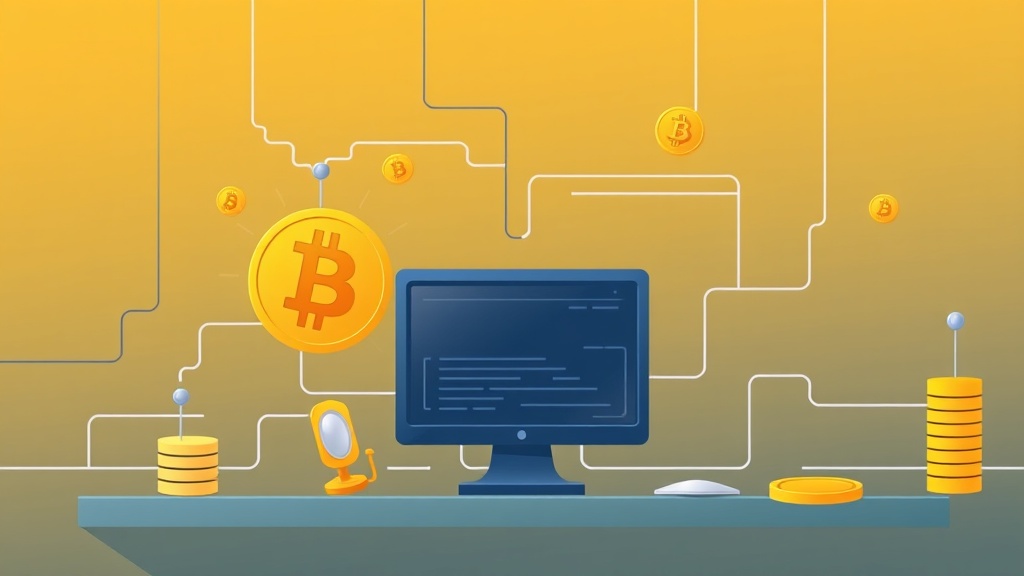
Connecting your wallet to a personal node gives you full control over your transactions, eliminating reliance on third-party services. This setup enhances privacy by preventing data leaks to centralized servers and allows you to interact directly with the blockchain. For privacy-focused users, this is a critical step toward decentralized autonomy.
Understanding the Basics of Nodes and Wallets
A node is a device that maintains a copy of the blockchain and validates transactions. Wallets store your private keys and interact with the network. By running your own node, you bypass intermediaries, ensuring your transactions are processed locally. This setup is ideal for users prioritizing security and anonymity.
Step-by-Step Guide to Setting Up Your Node
- Choose Your Node Software: Select a node client compatible with your cryptocurrency (e.g., Bitcoin Core for Bitcoin, Geth for Ethereum).
- Install and Configure: Download the software, follow setup instructions, and ensure your system meets hardware requirements (e.g., 200GB+ storage for Bitcoin).
- Sync with the Blockchain: Allow time for the node to download and verify the entire blockchain, which can take hours to days.
Connecting Your Wallet to the Node
Once your node is synced, configure your wallet to use it. For example, in Bitcoin Core, set the wallet to connect to `localhost:8333`. Use tools like Electrum or Bitcoin-QT for seamless integration. Always verify the connection via the wallet’s settings or console.
Practical Tips for Optimal Performance
- Use a Dedicated Device: Run your node on a separate machine to avoid resource conflicts.
- Enable Firewall Rules: Allow inbound/outbound traffic on the node’s port (e.g., 8333 for Bitcoin).
- Monitor Sync Status: Check logs regularly to ensure the node remains updated.
Troubleshooting Common Issues
If your wallet fails to connect, check for firewall blocks, incorrect port settings, or node sync delays. Restart the node or wallet if needed. For advanced users, tools like `bitcoin-cli` can diagnose connectivity problems.
Conclusion: Take Control of Your Crypto Privacy
Connecting your wallet to a personal node is a powerful way to enhance privacy and security. By following these steps, you’ll gain full control over your transactions while supporting the decentralized network. Start today and experience the benefits of self-sovereign finance.
Related articles
Looking for a privacy tool?
Browse every mixer, exchanger and Telegram bot in one place.