How to Opt Out of Address Book Cloud Sync for Better Privacy
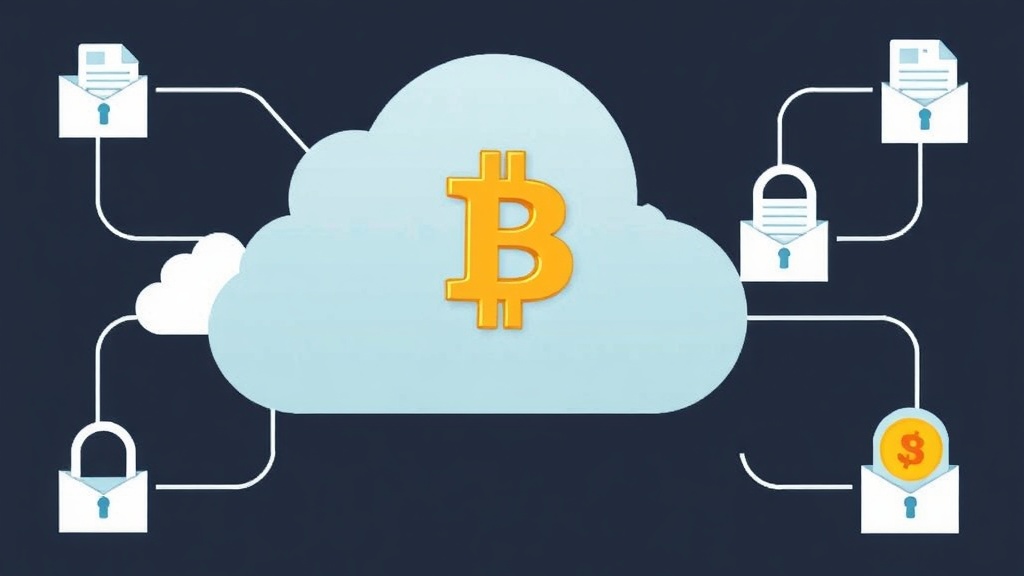
Why Cloud Sync of Your Address Book Is a Privacy Risk
When you enable cloud sync for your address book, your contacts—including names, phone numbers, and email addresses—are uploaded to remote servers. While this feature is convenient for seamless access across devices, it poses significant privacy risks. Your personal data becomes vulnerable to unauthorized access, data breaches, or even surveillance by third parties. For cryptocurrency users, this is especially concerning because financial transactions often involve sensitive contact information.
Many cloud services store your data in plaintext or with weak encryption, making it easier for hackers to exploit. Additionally, governments or corporations may request access to this data under various legal pretexts. Opting out of address book cloud sync is a proactive step toward safeguarding your digital footprint.
How Address Book Cloud Sync Works (and Why You Should Disable It)
Address book cloud sync relies on syncing your local contacts database with a remote server. When you add or update a contact, the changes are automatically pushed to the cloud. Services like Google Contacts, Apple iCloud, or Microsoft Outlook leverage this feature to ensure your contacts are always up to date across all your devices.
However, this convenience comes at a cost. Your contacts may include addresses linked to cryptocurrency wallets, exchanges, or trading partners. If this data is compromised, it could expose your financial activities or even make you a target for phishing attacks. Disabling cloud sync ensures your address book remains local, reducing the attack surface for potential breaches.
Step-by-Step Guide to Opting Out of Address Book Cloud Sync
Disabling address book cloud sync varies slightly depending on your device and operating system. Below are instructions for the most common platforms:
On iOS (iPhone/iPad)
- Open Settings and tap your name at the top to access iCloud settings.
- Scroll down and toggle off Contacts to disable syncing.
- You’ll be prompted to choose whether to keep or delete the contacts on your device. Select Keep on My iPhone to retain local copies.
On Android
- Go to Settings > Google > Account Services > Sync your contacts.
- Toggle off the sync option to prevent contacts from being uploaded to Google’s servers.
- For Samsung devices, navigate to Settings > Accounts and Backup > Manage Accounts > Google > Sync Contacts and disable it.
On Windows
- Open Settings > Accounts > Your info.
- Click Manage my Microsoft account and sign in.
- Go to the Privacy tab and adjust contact sync settings to disable cloud storage.
On macOS
- Open System Settings > Apple ID > iCloud.
- Uncheck Contacts to stop syncing with iCloud.
- Confirm that you want to keep local copies of your contacts.
Alternative Solutions for Managing Contacts Securely
If you rely on cloud sync for convenience but want to prioritize privacy, consider these alternatives:
- End-to-End Encrypted Contacts Apps: Use apps like Cryptomator or Proton Contacts that encrypt your data before syncing it to the cloud. This way, even if the cloud is compromised, your contacts remain secure.
- Local Backup Solutions: Regularly back up your contacts to an encrypted external drive or a secure local network-attached storage (NAS) device. This ensures you have a copy without relying on cloud services.
- Decentralized Contact Management: Explore blockchain-based contact management systems that allow you to store and share contacts without a central server. These systems often provide enhanced privacy and security features.
- Manual Sync with Encryption: If you must use cloud sync, encrypt your contacts file (e.g., using GPG or VeraCrypt) before uploading it. This adds an extra layer of security to your data.
Best Practices for Cryptocurrency Users
For cryptocurrency enthusiasts, protecting your address book is not just about privacy—it’s about security. Here are some best practices to follow:
- Use Pseudonymous Addresses: Avoid storing real names or identifiable information in your address book. Instead, use labels like "Exchange A Wallet" or "Trading Partner B" to maintain anonymity.
- Regularly Audit Your Contacts: Periodically review your address book and remove any outdated or unnecessary entries. This reduces the risk of exposing old or unused wallet addresses.
- Enable Two-Factor Authentication (2FA): If you must use cloud services for contacts, enable 2FA to add an extra layer of security. This prevents unauthorized access even if your password is compromised.
- Educate Your Contacts: Encourage friends, family, or business partners to also opt out of address book cloud sync. This minimizes the risk of your shared contacts being exposed through their accounts.
- Use a Dedicated Privacy-Focused Device: Consider using a separate device (e.g., a Librem 5 phone or a Purism laptop) for managing cryptocurrency-related contacts. These devices are designed with privacy and security in mind.
Conclusion: Take Control of Your Digital Privacy
Opting out of address book cloud sync is a simple yet powerful way to enhance your digital privacy, especially if you’re involved in cryptocurrency. By keeping your contacts local and using secure alternatives, you reduce the risk of data breaches, surveillance, and targeted attacks. Remember, privacy is not a one-time action but an ongoing commitment.
Start by disabling cloud sync on your devices today, and explore encrypted or decentralized contact management solutions. Your financial security—and personal privacy—depend on it. Stay vigilant, stay private, and take control of your digital footprint.
Related articles

How to Avoid Distinctive Change Patterns in Crypto Transactions for Better Privacy
How Varying Transaction Fees Can Enhance Cryptocurrency Privacy

Add Noise to Your Crypto Spending: Boost Privacy Today

How to Use Decoy Transactions to Enhance Cryptocurrency Privacy
How to Safely Hop Coins Between Wallets for Better Privacy
Looking for a privacy tool?
Browse every mixer, exchanger and Telegram bot in one place.