How to Scan for Hidden Cameras at a Crypto ATM for Maximum Privacy
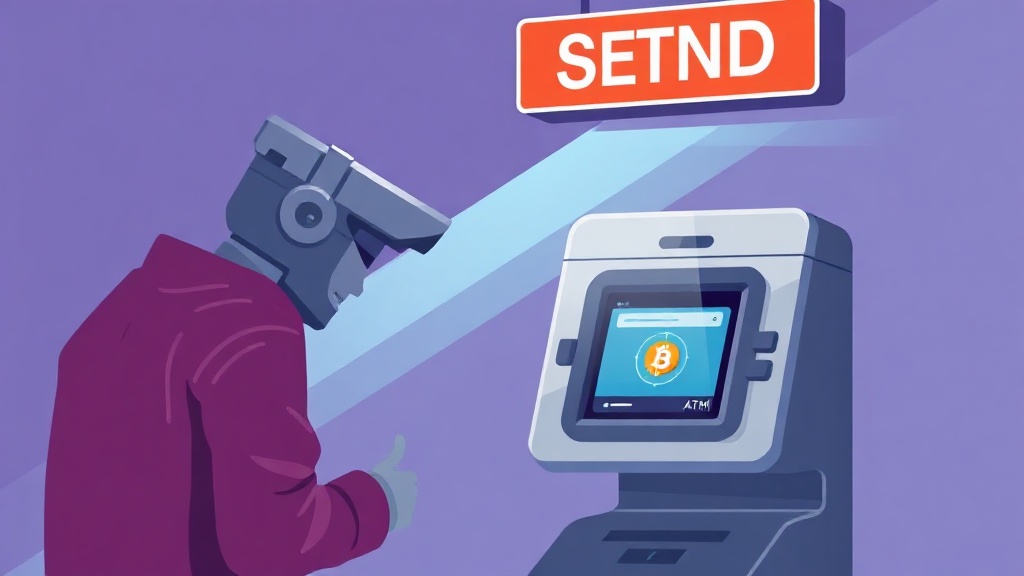
Why Privacy Matters at Crypto ATMs
Cryptocurrency ATMs have become a popular way to buy and sell digital assets without visiting an exchange. However, these machines are often located in public spaces like shopping malls, gas stations, or convenience stores—places where privacy is not guaranteed. Hidden cameras can record your transactions, putting your financial data and personal security at risk. Knowing how to scan for cameras at a crypto ATM can help you protect your anonymity and avoid unwanted surveillance.
While not all crypto ATMs are equipped with malicious surveillance, some operators or third parties may install cameras to monitor user activity. This data could be sold, hacked, or used to track your spending habits. By taking a few simple precautions, you can minimize your exposure and transact with greater confidence.
Common Places Where Cameras Are Hidden in Public ATMs
Hidden cameras in crypto ATMs are often placed in locations that are easy to overlook but provide a clear view of the screen and keypad. Here are some of the most common spots where surveillance devices might be concealed:
- Above the ATM screen: A small pinhole camera disguised as a ventilation hole or decorative element.
- Inside fake panels or logos: Some machines have removable panels or branded decals that can hide a camera.
- Near the receipt slot: A camera aimed at capturing receipts or transaction details.
- Ceiling or wall-mounted devices: In poorly lit areas, cameras may blend into the surroundings.
- Behind one-way mirrors or glass: If the ATM has a glass enclosure, a camera could be hidden behind reflective surfaces.
Thieves and scammers often use these tactics to capture your PIN, wallet address, or other sensitive information. Being aware of these hiding spots can help you spot suspicious activity before completing your transaction.
Tools and Techniques to Detect Hidden Cameras
Fortunately, there are several tools and methods you can use to scan for hidden cameras at a crypto ATM. These range from simple visual checks to advanced detection devices. Here’s what you can do:
Visual Inspection
Start with a thorough visual scan of the ATM and its surroundings. Look for anything that seems out of place, such as:
- Small holes, pinholes, or unusual protrusions.
- Glowing lights (IR cameras may emit a faint red or green glow in the dark).
- Objects that don’t match the machine’s design (e.g., extra screws, misaligned panels).
- Reflections in glass or mirrors that don’t align with the environment.
Use a Camera Detector App
Smartphone apps like Hidden Camera Detector, Glint Finder, or Spy Camera Detector can help identify hidden cameras by detecting their infrared (IR) signals or electromagnetic fields. These apps work by scanning the area for unusual activity and alerting you to potential threats. While not 100% foolproof, they are a convenient first line of defense.
RF Signal Detectors
Hidden cameras often transmit data wirelessly, which means they emit radio frequency (RF) signals. A portable RF detector can pick up these signals, even if the camera is well-hidden. Devices like the Kismet RF Detector or SpyFinder Pro are designed for this purpose and can be carried in your pocket.
Thermal Imaging Cameras
Some high-end thermal cameras can detect the heat signatures of hidden cameras, especially if they’ve been recently powered on. While this method is less common due to the cost of the equipment, it can be highly effective in identifying devices that are actively recording.
Step-by-Step Guide to Scanning a Crypto ATM for Cameras
Now that you know where cameras might be hidden and how to detect them, here’s a step-by-step guide to scanning a crypto ATM before using it:
- Arrive Early and Observe: If possible, visit the ATM during off-peak hours to avoid crowds. Watch how other users interact with the machine and note any unusual behavior from staff or bystanders.
- Perform a Visual Sweep: Stand back and look for anything suspicious, such as extra holes, misaligned panels, or objects that don’t belong. Pay special attention to the areas mentioned earlier (screen, keypad, receipt slot).
- Use Your Smartphone: Open a camera detector app and scan the ATM from different angles. Move your phone slowly to cover all surfaces. If you see a tiny red or green dot on your screen, it could indicate a hidden camera’s lens.
- Check for IR Signals: Turn off the lights in the area (if possible) and use your phone’s camera to scan for infrared lights. Many hidden cameras use IR for night vision, and these lights will appear as bright spots on your phone’s screen.
- Use an RF Detector: If you have one, activate the RF detector and move it around the ATM. If it picks up a signal, it could indicate a wireless camera nearby.
- Cover Your Keypad and Screen: While not a detection method, covering the keypad with your hand and the screen with your body can prevent cameras from capturing your PIN or transaction details.
Additional Privacy Tips for Using Crypto ATMs
Scanning for cameras is just one part of maintaining privacy at a crypto ATM. Here are some additional tips to keep your transactions secure:
- Choose ATMs in Low-Traffic Areas: Opt for machines located in quiet, less crowded spaces where surveillance is less likely.
- Use a VPN and Disposable Email: If the ATM requires registration, use a VPN to mask your IP address and a temporary email to avoid linking your identity to the transaction.
- Wear a Hat and Sunglasses: Simple measures like this can obscure your face from cameras and make it harder to identify you.
- Use a Privacy Screen Protector: If you frequently use crypto ATMs, a privacy screen protector can prevent bystanders from seeing your screen.
- Withdraw Cash in Small Amounts: Avoid large transactions that might draw attention. Instead, make multiple smaller withdrawals over time.
- Check for Skimmers: In addition to cameras, be on the lookout for skimming devices that can steal your card information. Tug on the card slot to ensure it’s secure.
What to Do If You Find a Hidden Camera
If you discover a hidden camera at a crypto ATM, your first priority should be to protect your privacy and security. Here’s what to do:
- Do Not Use the ATM: Leave immediately and avoid interacting with the machine to prevent your data from being captured.
- Report the Incident: Contact the ATM operator or the company that owns the machine (e.g., CoinFlip, Bitcoin Depot). Provide them with photos or details of the hidden camera. If the machine is in a store or mall, notify the management as well.
- Contact Local Authorities: If you believe the camera was placed with malicious intent (e.g., for identity theft or fraud), report it to the police. Hidden cameras in public spaces may violate privacy laws.
- Monitor Your Accounts: After your visit, check your bank and cryptocurrency accounts for any suspicious activity. If you used a debit card, consider canceling it and requesting a new one.
Taking action not only protects you but also helps prevent others from falling victim to the same surveillance tactics.
Conclusion: Stay Safe and Private with Smart Precautions
Crypto ATMs offer convenience, but they also come with privacy risks. By learning how to scan for hidden cameras and adopting smart security practices, you can protect your financial information and maintain your anonymity. Always remember: vigilance is your best defense.
Next time you use a crypto ATM, take a few extra minutes to inspect the machine and its surroundings. Use the tools and techniques outlined in this guide to ensure your transaction remains private. And if you ever encounter a hidden camera, don’t hesitate to report it—your actions could help safeguard others in the future.
Stay safe, stay private, and happy transacting!
Related articles

Protect Your Crypto Privacy: Never Link Your Identity at the ATM

Top Up Privately for Daily Spending: Secure Crypto Strategies

Funding a Wallet Without a Trail: A Privacy-Focused Crypto Guide

Derive a New Account for Each Counterparty: Boost Crypto Privacy

Rotate Xpubs Between Accounts for Enhanced Crypto Privacy
Looking for a privacy tool?
Browse every mixer, exchanger and Telegram bot in one place.